Seal Construction Drawings
in a Few Clicks
Build reusable templates once that match your title blocks perfectly. What used to take hours of painful manual sealing is now done in seconds — accurately, every time.
Stop the Manual Seal Nightmare
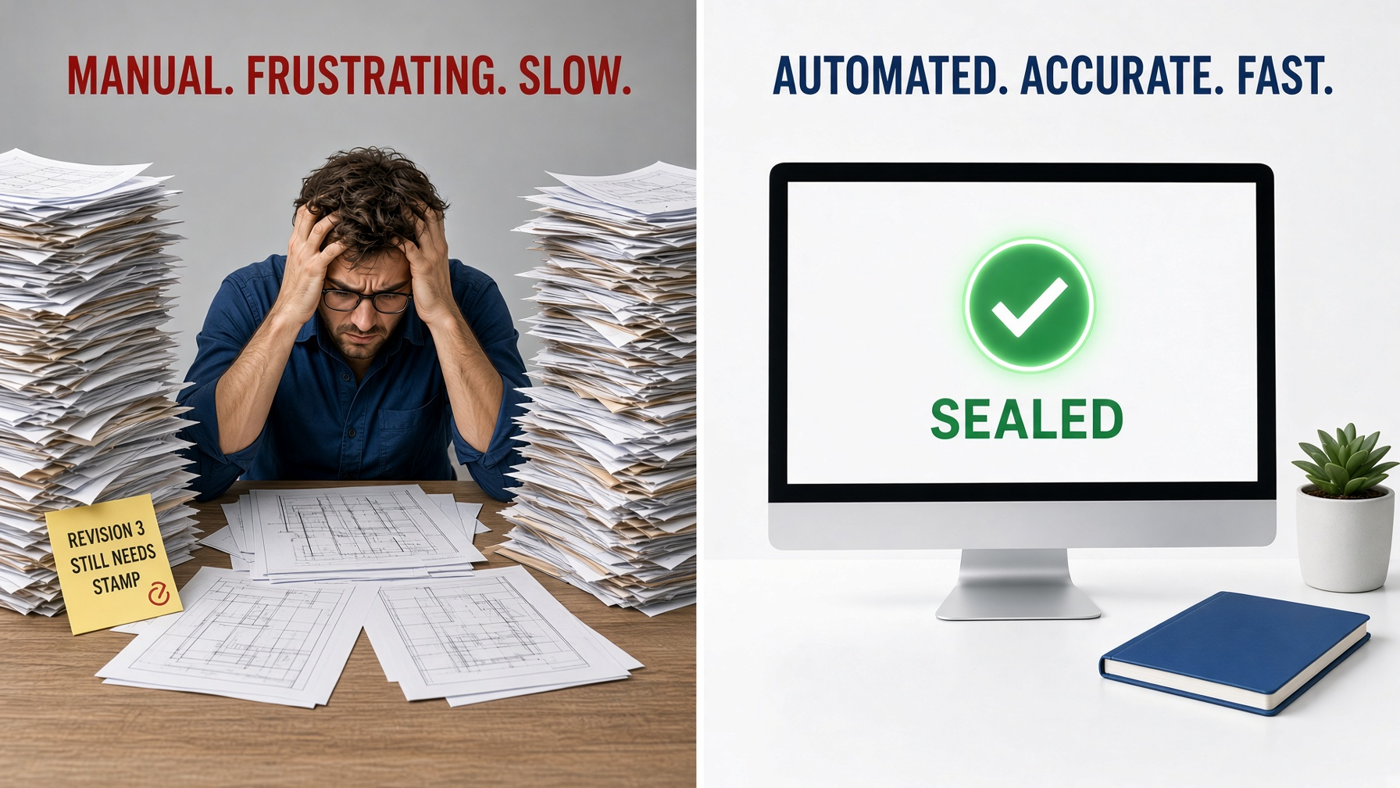
Sealing construction drawings the old way means opening each PDF, carefully positioning stamps, matching title block layouts, and hoping nothing shifts. One wrong placement and you're reprinting or redoing the whole set.
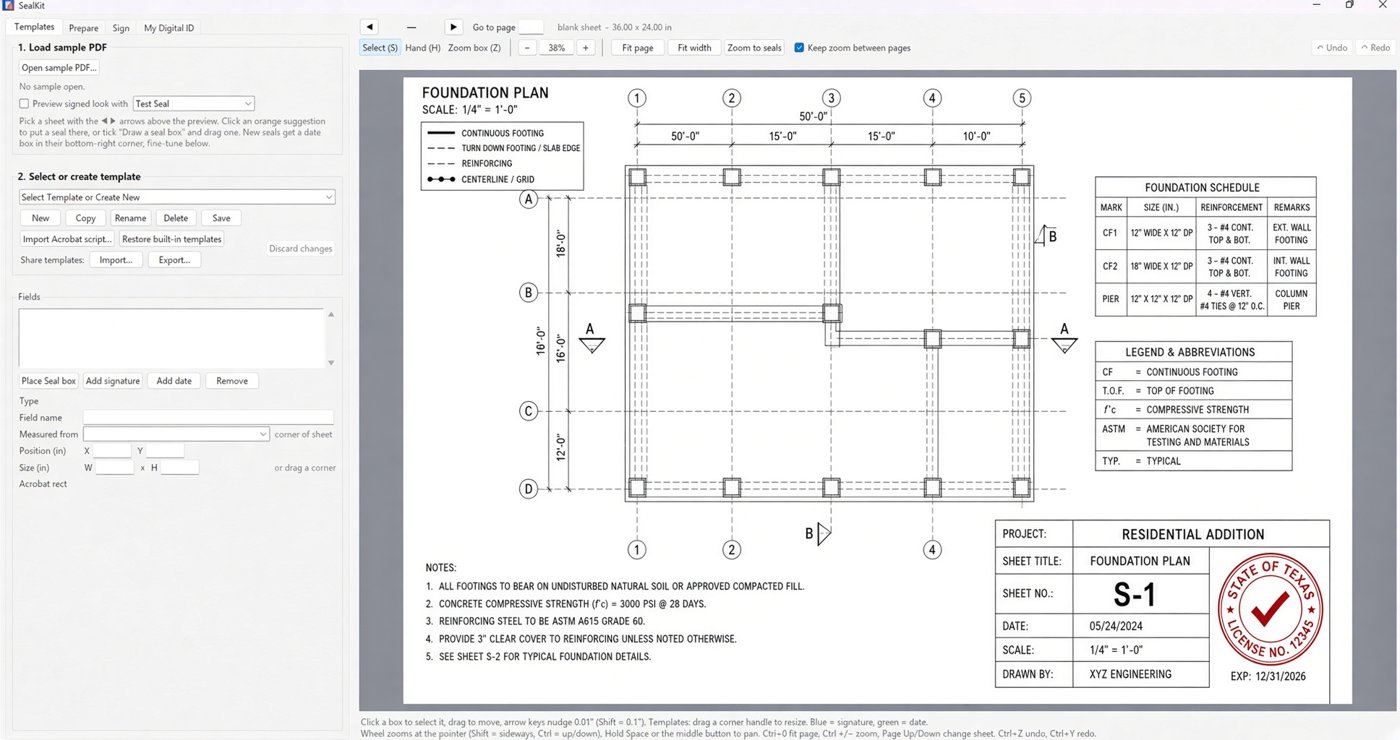
SealKit eliminates the pain. Create custom templates that lock your seals, signatures, and date fields exactly where they belong on your title blocks — then apply them to entire drawing sets with a few clicks.
Built for A/E/S Professionals
Whether you're an architect, engineer, or surveyor, SealKit fits the way your firm already works.
Reusable Templates
Build once, use forever. Create templates for every title block style your firm uses — PE seals, architect stamps, surveyor seals, and more.
Pixel-Perfect Placement
Custom and complex templates lock seals exactly where they need to go — even across PDF sets with multi-size pages and multiple signers.
Batch Placement in Seconds
Place seals on hundreds of pages with one click, then complete signing in seconds. What used to take hours is finished before your coffee cools.
Consistent & Compliant
Every drawing receives the correct seal, signature, license number, and date. Sign directly in the app — no need to open Bluebeam or Acrobat. Prepared documents can also be signed in any PDF handler.
Desktop App
Works fully offline on Windows. Designed to support Responsible Charge and Sole Control requirements under most state sealing laws. Sensitive digital IDs and seal images never leave your machine.
Manage Digital IDs
Easily create self-signed digital IDs or use certificates from most Certificate Authorities (CAs). Manage and apply them across all your templates.
How SealKit Works
Three simple steps from painful process to finished drawings.
Build Your Templates
Import a sample drawing and place your seals, signatures, and fields exactly where they belong on the title block. Save as a reusable template.
Select & Apply
Open your drawing set, choose the matching template, and SealKit applies everything in the correct positions across every sheet.
Export Sealed PDFs
Review if needed, then export. Your drawings are sealed, consistent, and ready for submission — in minutes, not hours.
Need Templates Built for You?
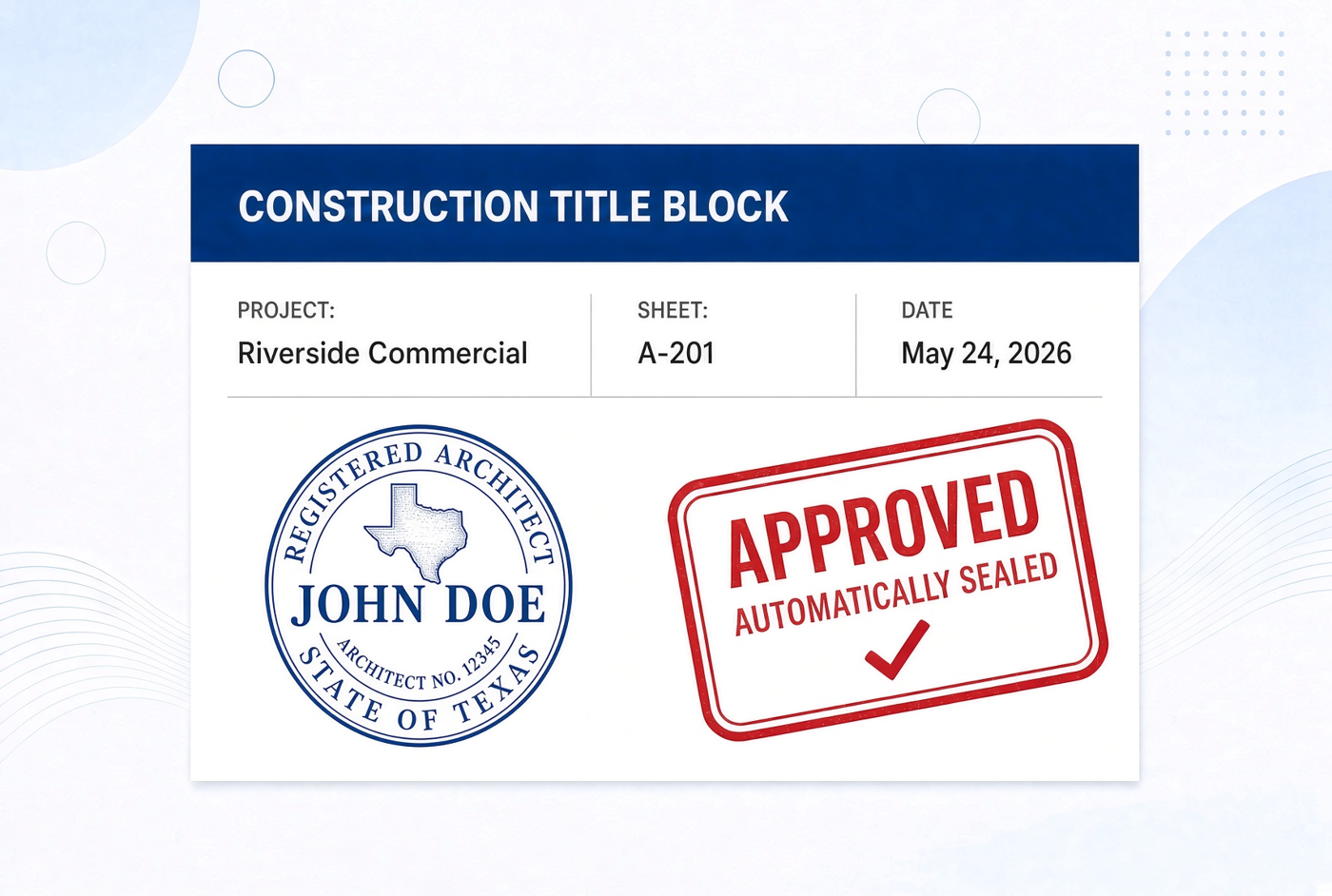
Don't have time to build templates yourself? We'll do it for you. Send us a sample drawing and your title block specifications — we'll create a ready-to-use SealKit template and send it back for instant import.
Custom Template Service
Email us your drawing PDF along with title block details (seal location, signature fields, date placement, etc.). Our team builds a precise, reusable template matched to your firm's standards. You import it into SealKit and start sealing immediately.
Fast turnaround • Professional results • No learning curve
Standard title block $129 • Complex / multi-discipline $199 • Rush +$75
Request Template ServiceWhat Firms Are Saying
"We used to spend half a day sealing a big civil set. With SealKit templates it's done in a couple minutes and looks perfect every time."
— Civil Engineer, Mid-size A/E Firm
"The ability to build complex templates that match our exact title block layout was the game changer. No more fighting with PDF tools."
— Survey Department Manager
"Finally a tool that understands how engineering firms actually work. Offline desktop app, templates that stick, and speed that matters."
— Principal, Architecture Studio
Ready to Stop Sealing by Hand?
Join firms that have turned hours of manual work into a few clicks. Start your free trial today — no credit card required.
Download SealKit Free TrialWindows desktop app • Annual licenses • Templates included